Setup your organization
Setup your org
Create your organization
Creating an organization is a breeze with Blacksight Scanner. Simply follow these 3 simple steps! Upon signing up, you'll be guided to create your organization. Provide a name, whether it's your business legal name or project name and specify the target website you want to scan.
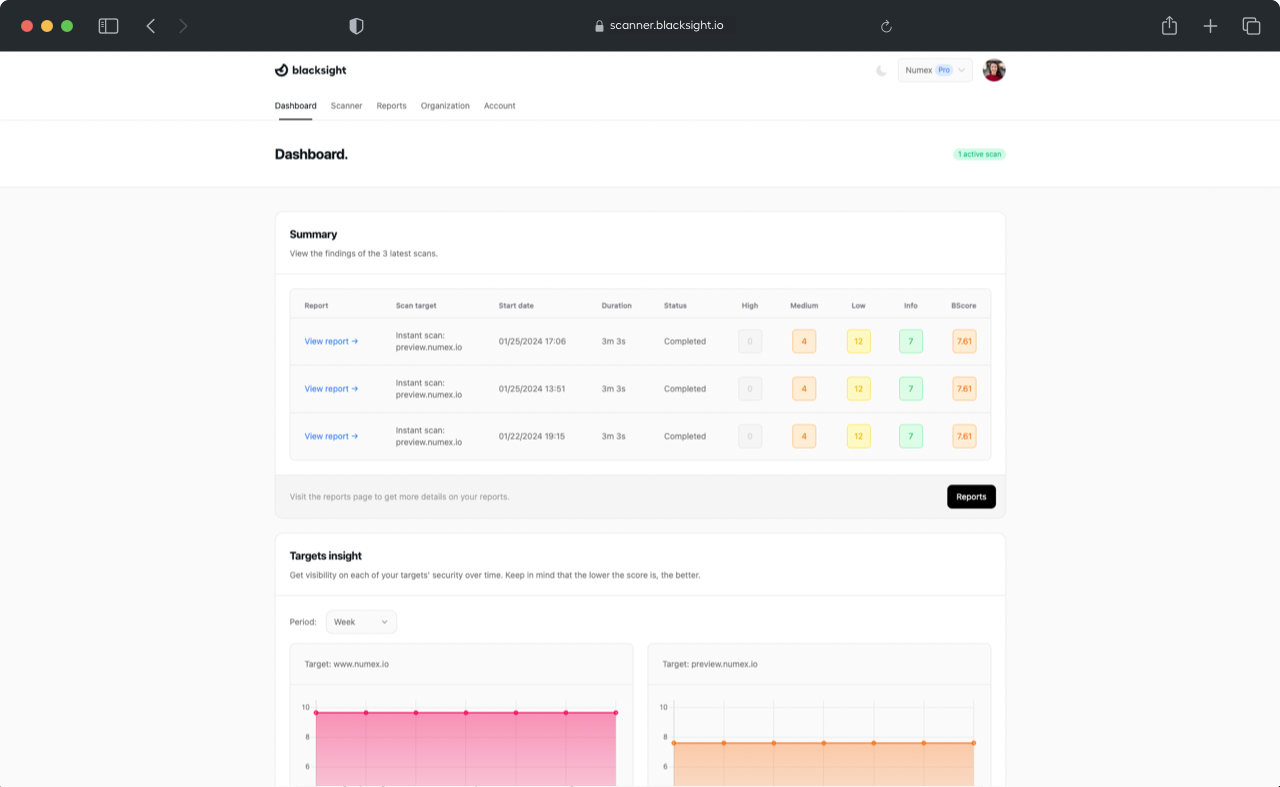
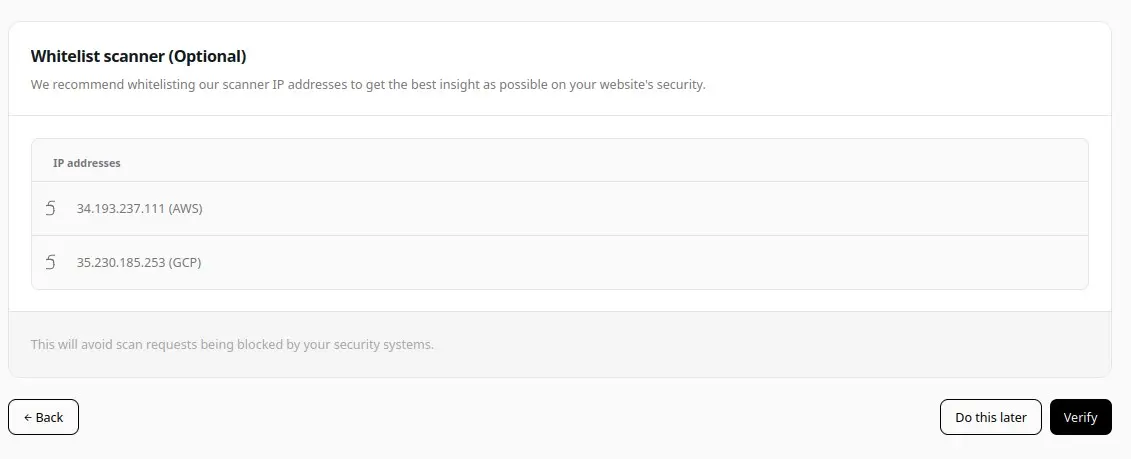
Whitelist our scanner IP addresses
The next step is to whitelist our scanner IP addresses and verify your domain ownership. While whitelisting is optional, we highly recommend it to prevent any scan requests from being blocked by your network's security measures.

Setup your domain
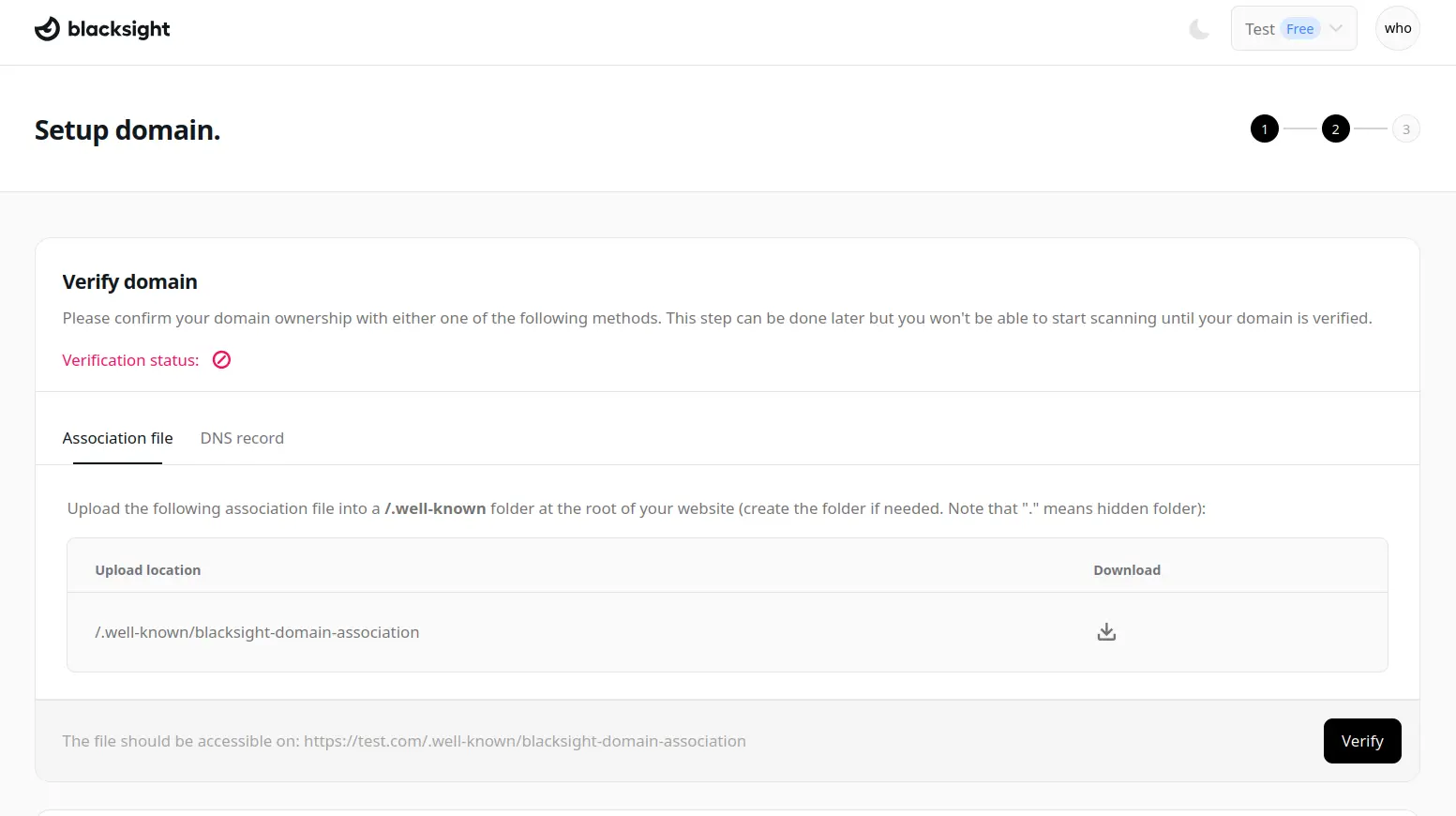
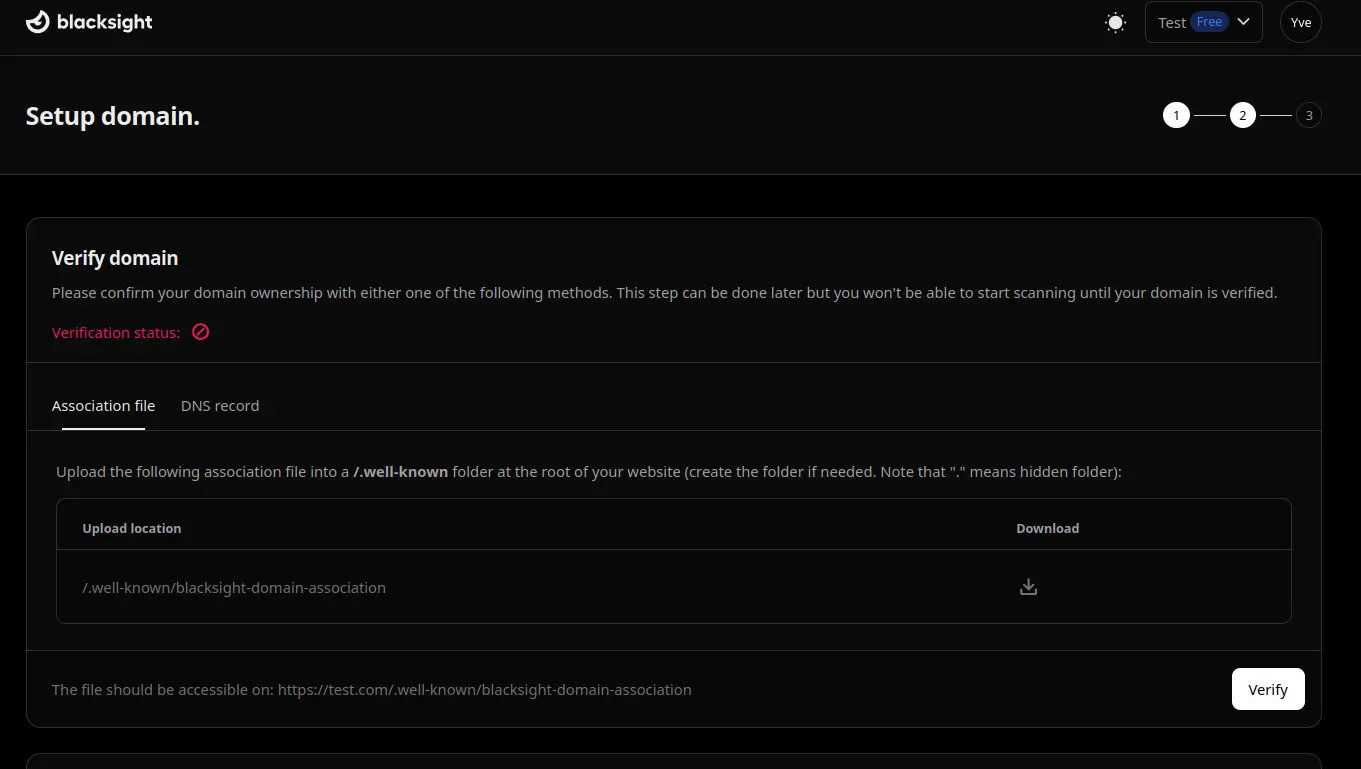
Verifying your domain is a mandatory step to confirm ownership before initiating scans. After completing one of the domain ownership verification methods, just click the verify button for our system to confirm your configuration. Validate your domain with one of the 3 ways:
1. dDNS validation (add a TXT DNS record)
2. File validation (Place a text file in a hidden directory on your site)
3. Wordpress plugin(If you run wordpress install the blacksmith plugin and follow the instructions)
Accept terms
The final step is to accept Blacksight's terms, confirming your agreement with our legal documents. Once done, you'll be all set to configure your scanner and begin monitoring your website's security!