Configure scans
Configure scans
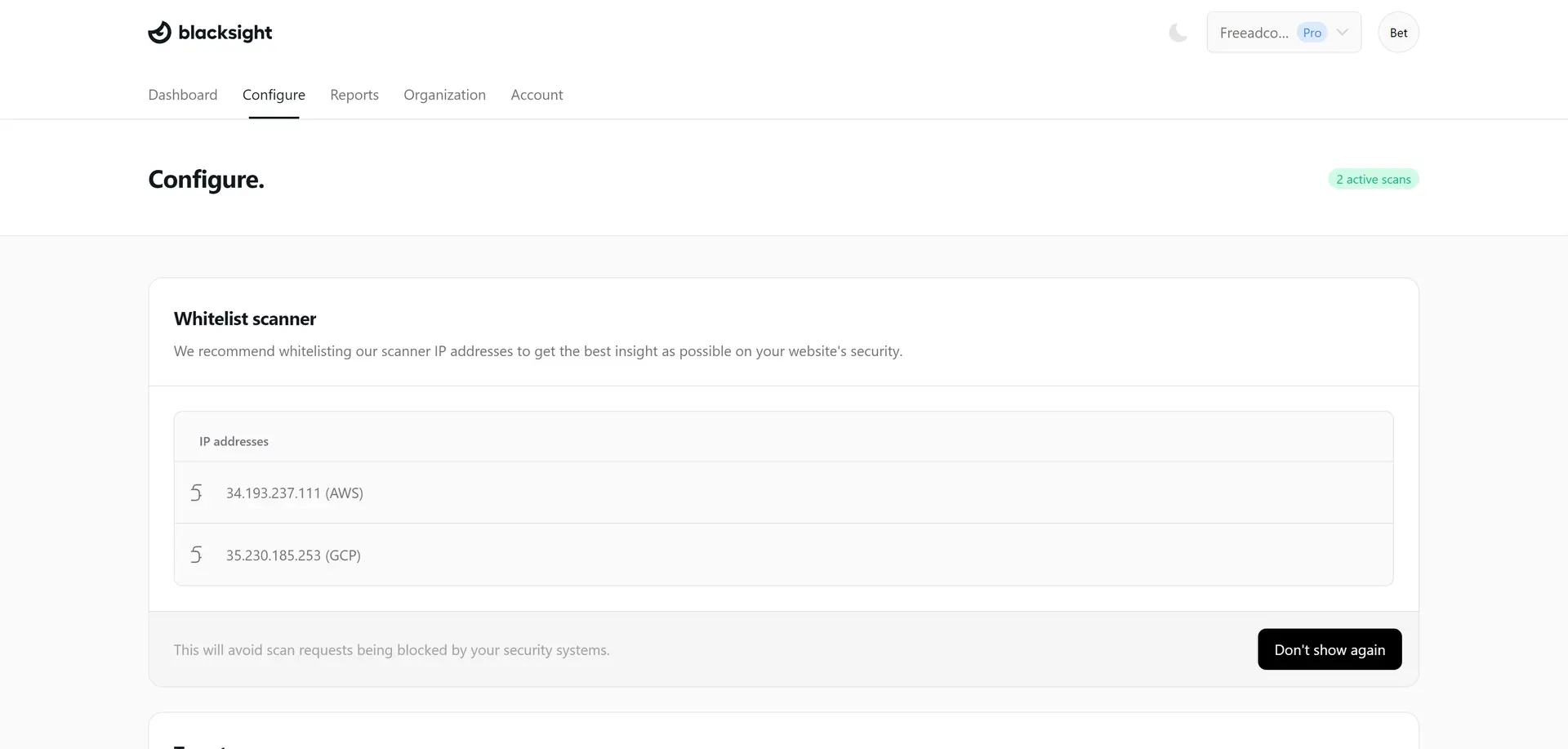
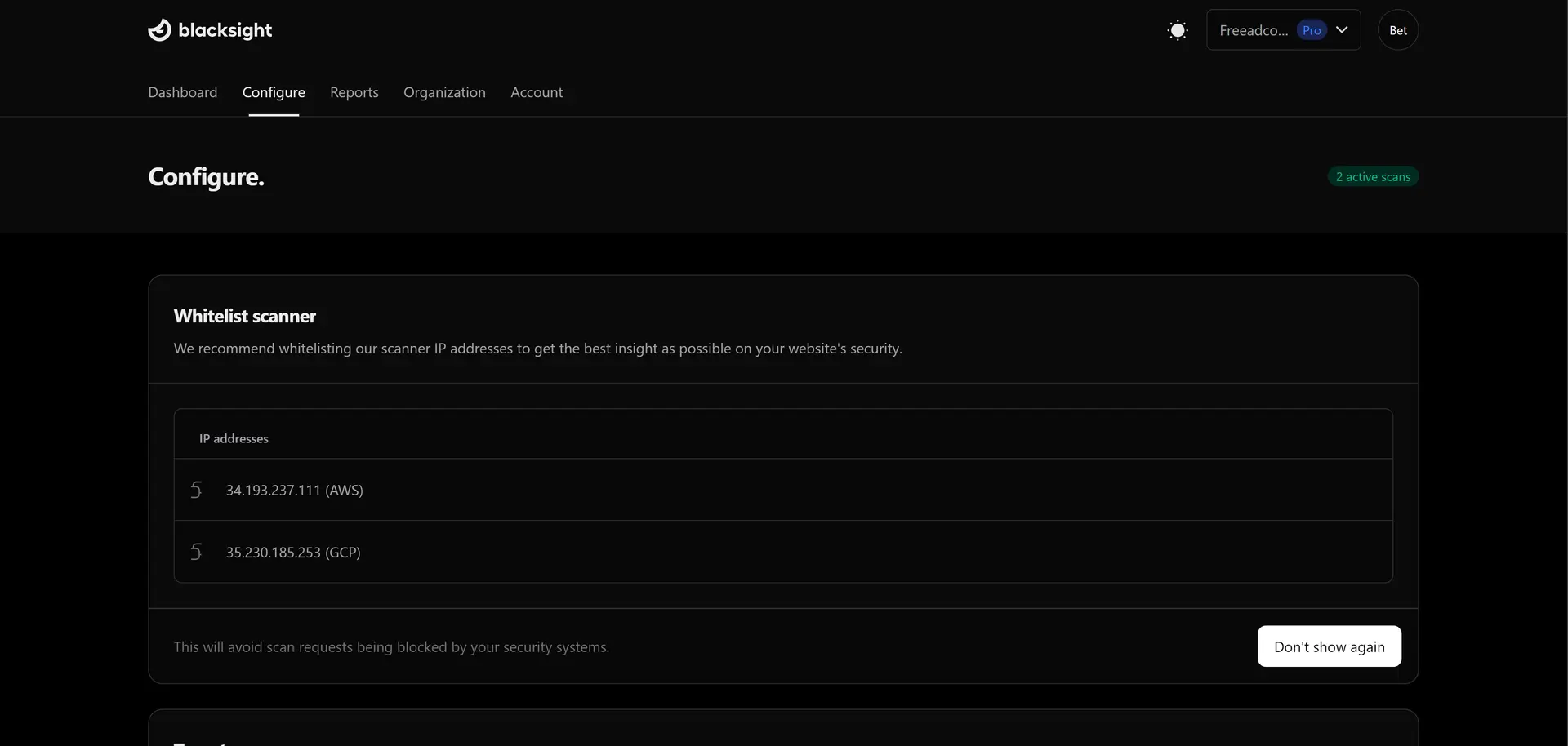
Whitelist scanner
Before you can start scanning, you need to whitelist our scanner IP addresses. This is to prevent any scan requests from being blocked by your network's security measures.
Setup your Target
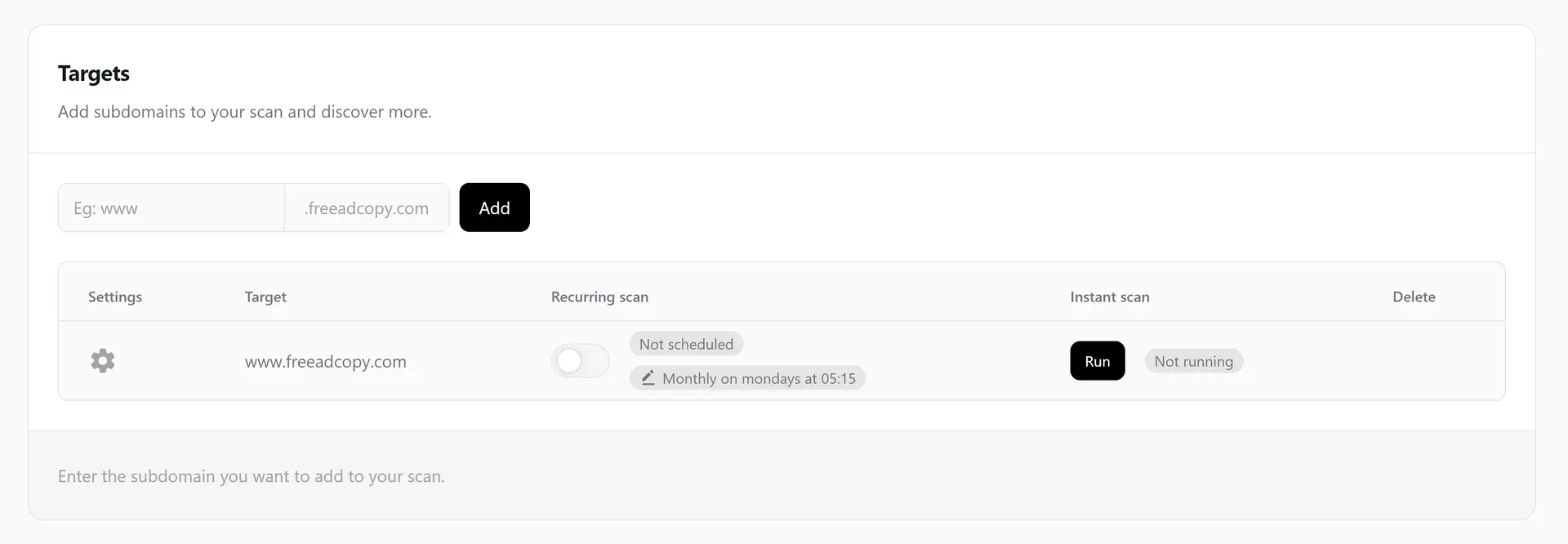
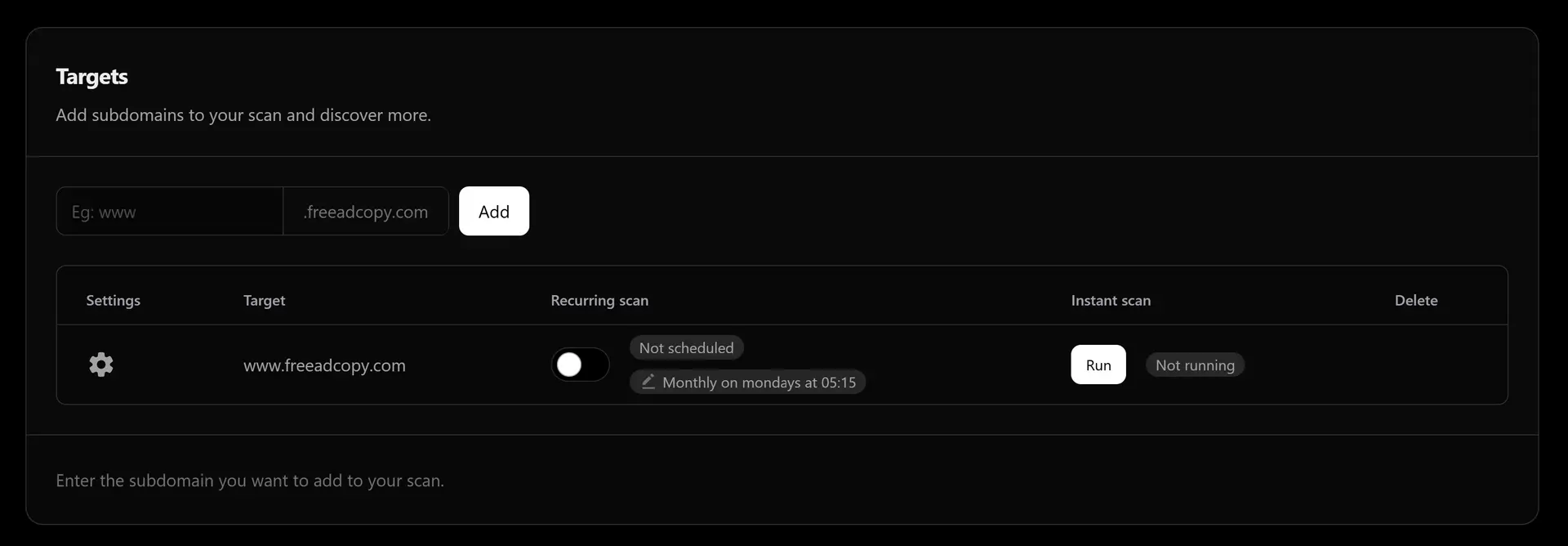
After you've whitelisted our scanner IP addresses, you can now setup your target. Provide the target website you want to scan. You can add subdomains to your scan and discover more.
Modify Schedule
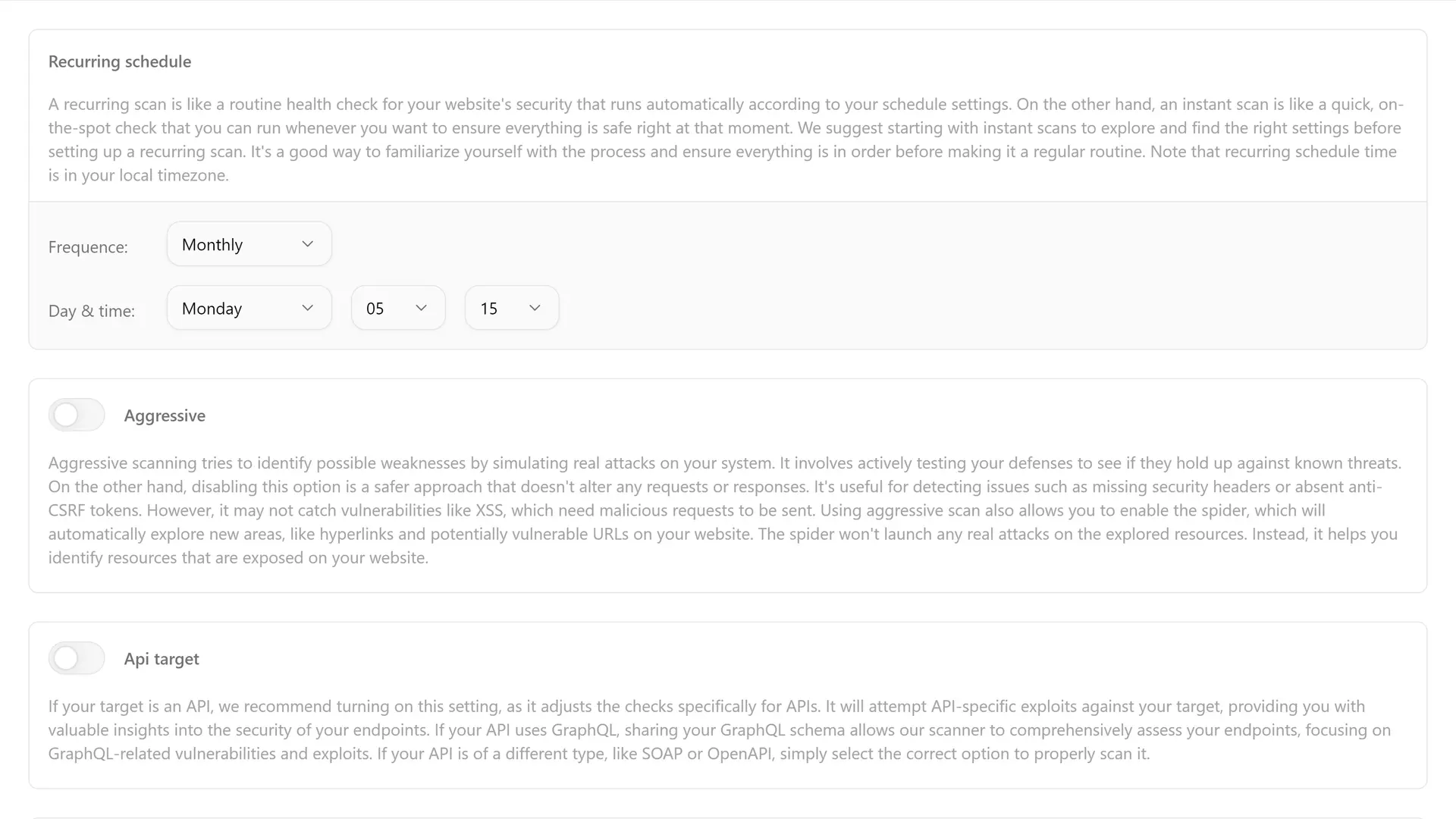
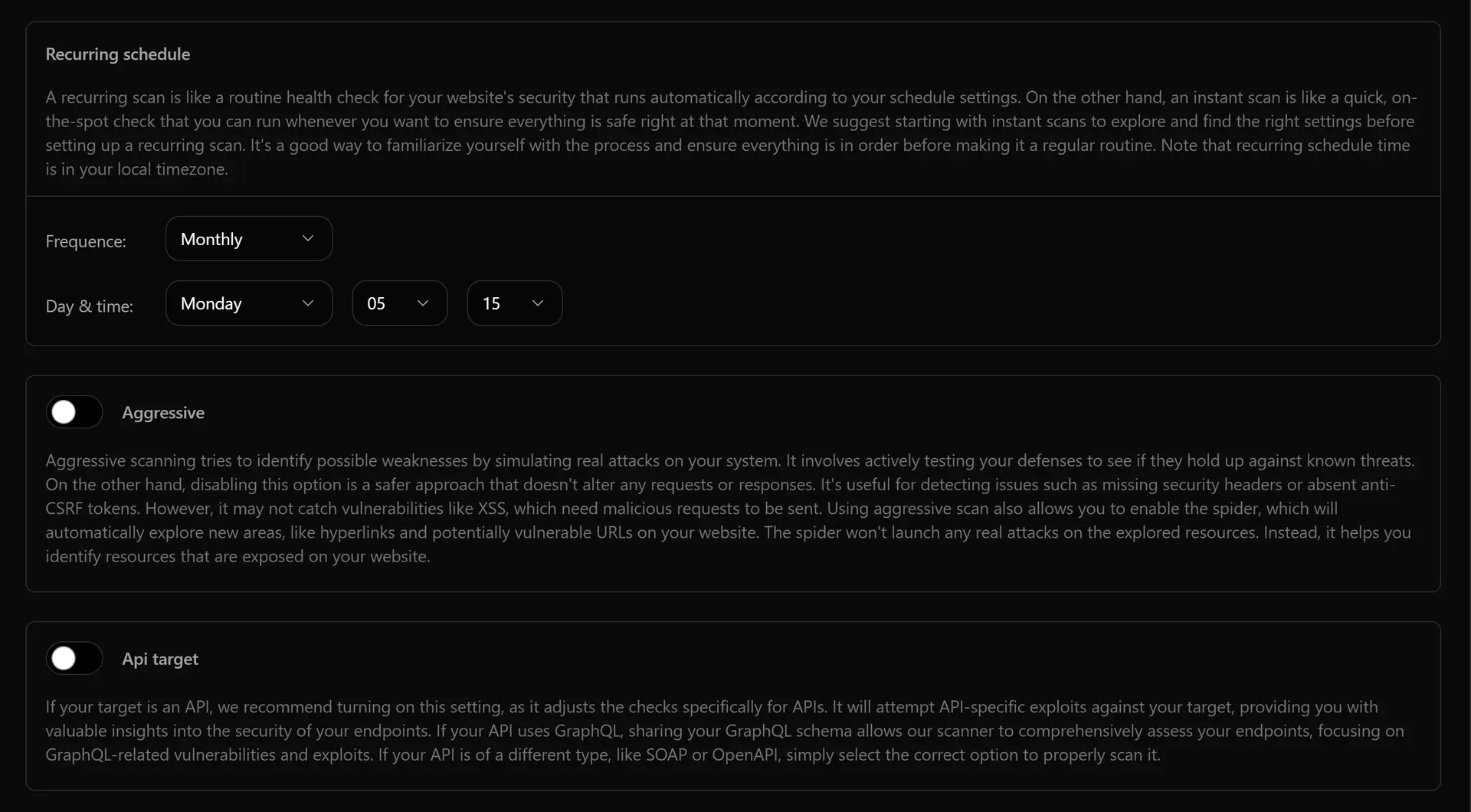
Modify your scan settings to fit your needs. We recommend testing your settings using instant scans first before making it recurring.
Port Scanner
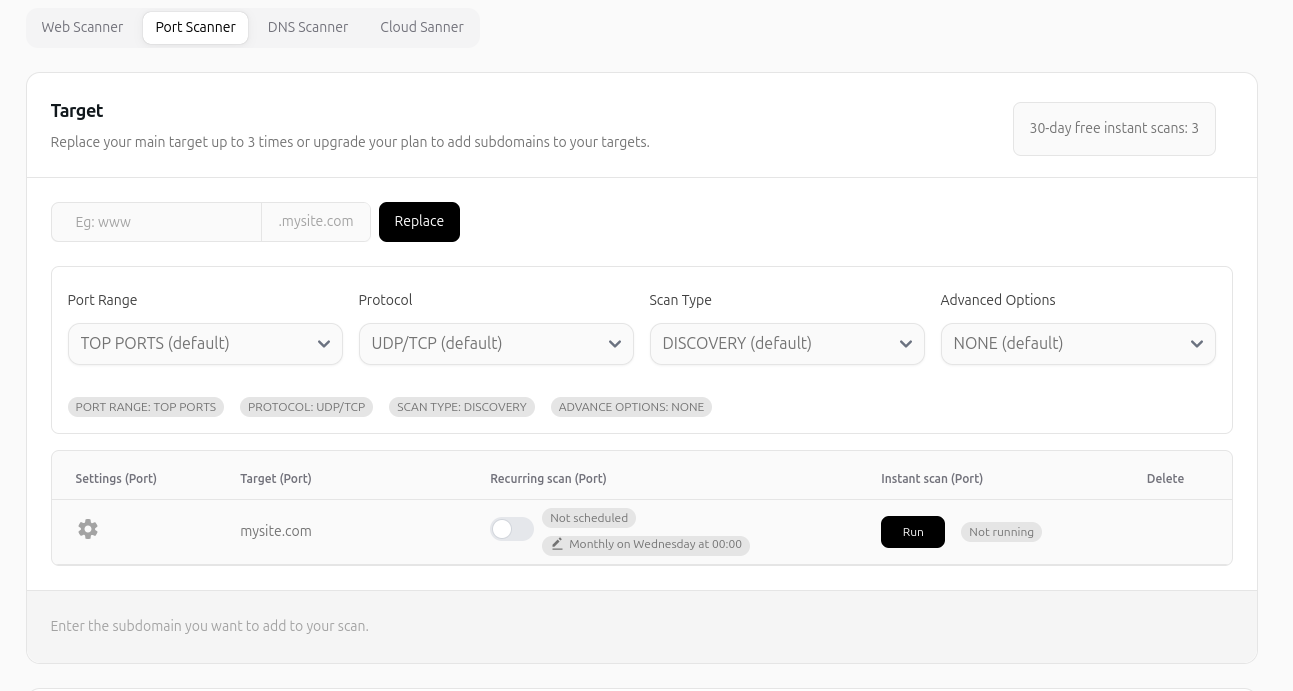
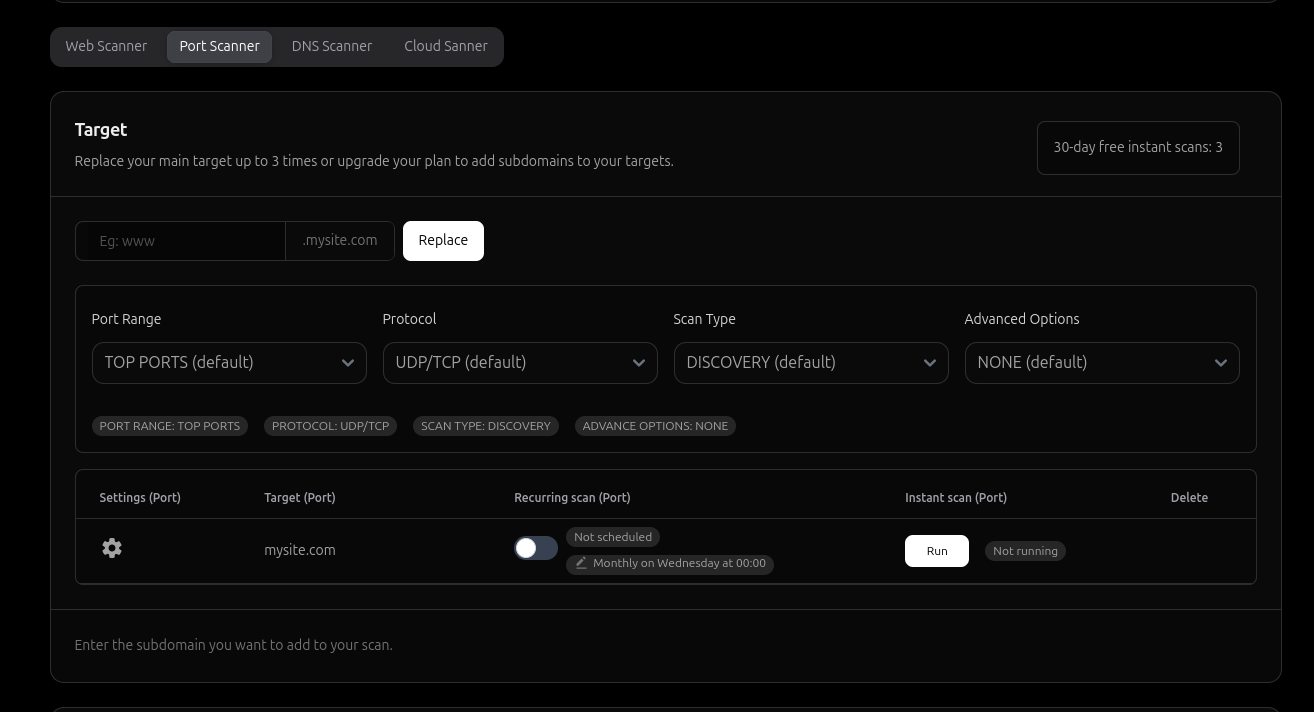
We have added a new scanning method which is port scanner.
Now you can simply scan your ports by providing the required information. You can select from various filters to fit your need.